Google Gemini 2.5 Computer-Use Model: The Next Generation of AI Agents
Explore Google’s Gemini 2.5 computer-use model: how it works, use cases, challenges, comparisons and future — the deepest look in latest AI news.
In the realm of latest AI news, Google has just introduced one of the boldest moves yet into agentic AI: the Gemini 2.5 “computer-use” model — an AI that doesn’t just generate text, but can navigate and interact with web interfaces like a human would. This is not just another upgrade; it signals a shift from static models to AI agents that act in real environments.
In this post, we’ll deeply unpack:
What is Gemini 2.5 computer-use, and how it works
Key capabilities, architecture, and limitations
Comparisons with other agentic AI systems
Real-world use cases and early demos
Challenges, risks & ethics
What this means for the future of AI agents
Takeaways & what to watch next
Let’s dive into the latest AI news that might change how we think about AI agents.
1. What Is “Gemini 2.5 Computer-Use”?
1.1 The Concept: AI That Uses a Browser
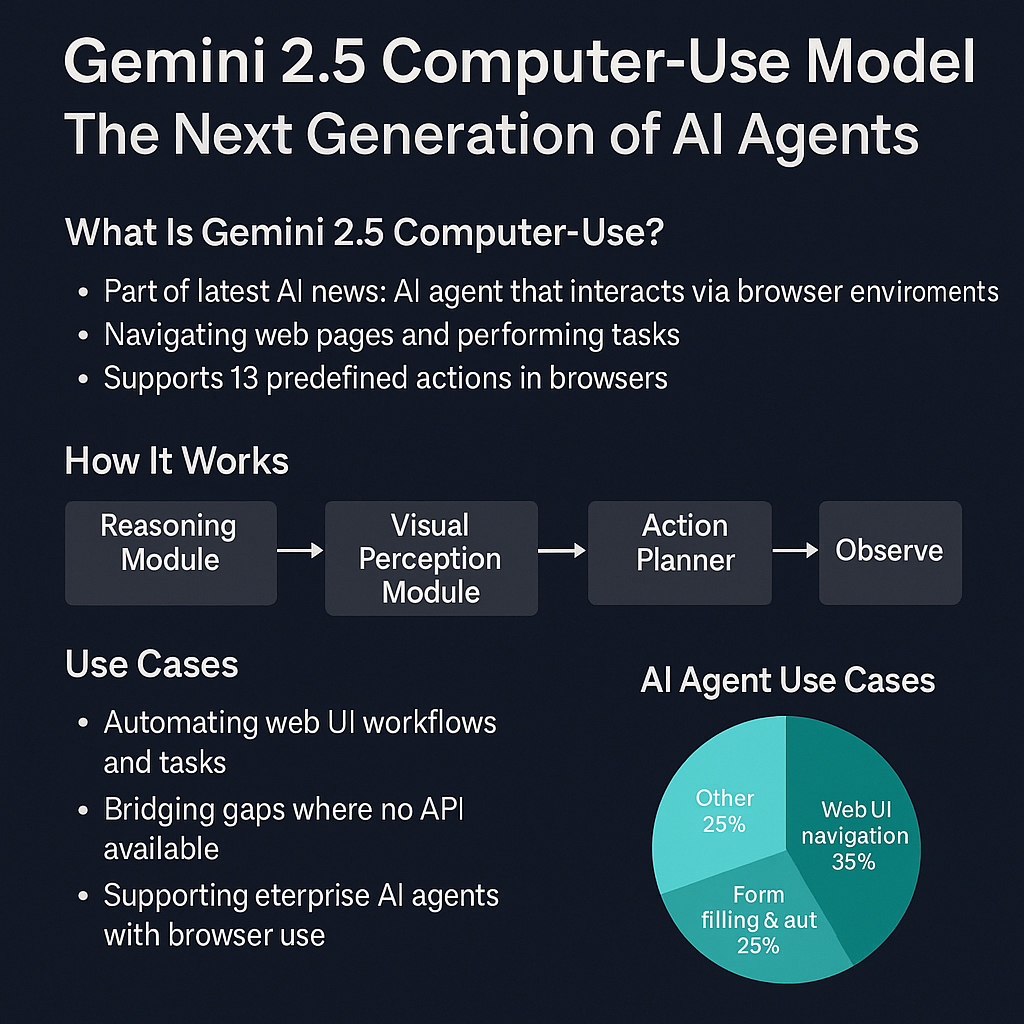
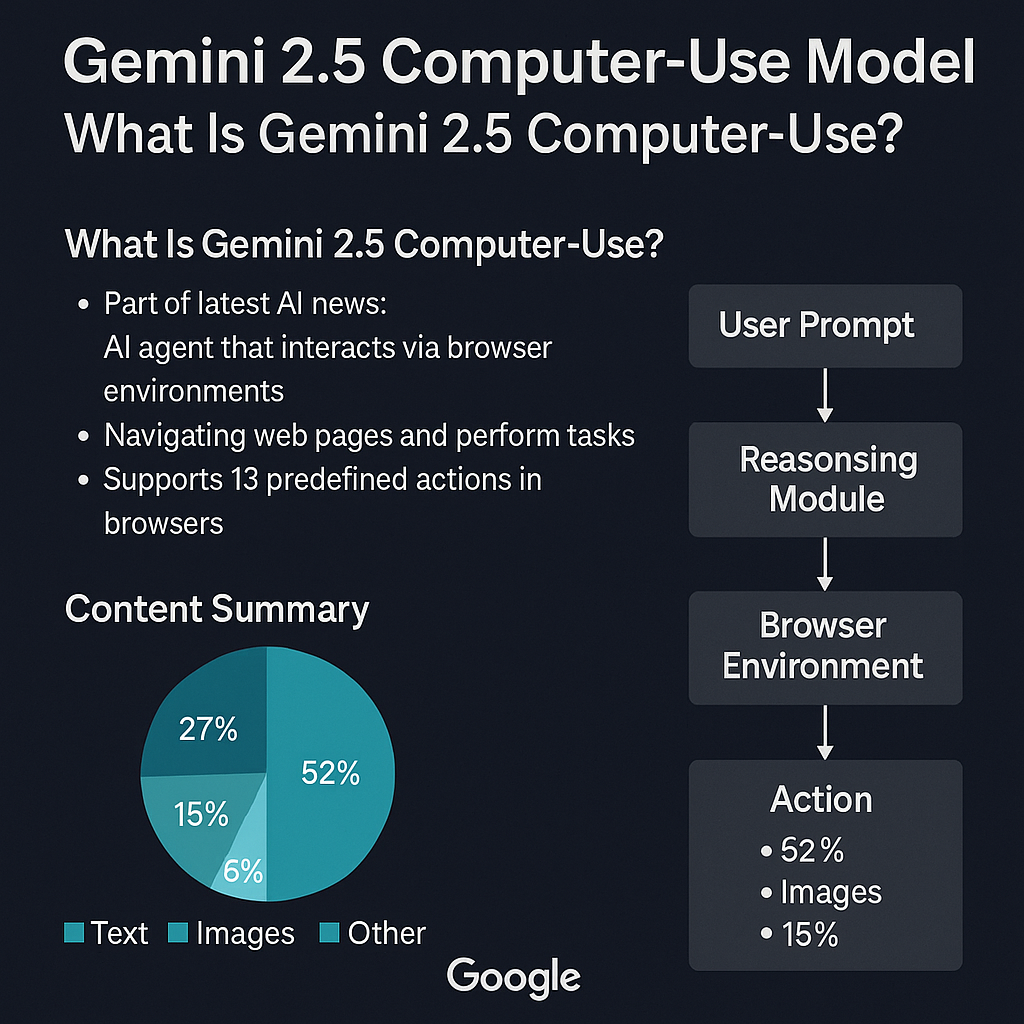
Traditional AI models respond to prompts via APIs. In contrast, Google’s Gemini 2.5 “computer-use” variant is built to operate within a browser environment — clicking, typing, dragging, filling forms — to accomplish tasks on web pages. The Verge+1
It supports 13 predefined actions (open browser, type, drag, etc.). The Verge
Unlike full OS control (which some agentic frameworks attempt), this model is scoped to the browser interface. The Verge
1.2 Why This Matters — The Rise of Agentic AI
This move is part of a broader evolution toward agentic AI — systems that plan, act, and execute multi-step tasks autonomously. As researchers noted, these systems are shifting research workflows, scientific discovery, and automation. Nature+1
The Gemini 2.5 computer-use is a concrete demonstration of turning from static models to embodied agents in a constrained but meaningful environment (the browser).
2. Architecture & Technical Design
2.1 Visual Understanding + Reasoning
To operate in a browser, the model must visually parse elements (buttons, text fields, layout). It needs a fusion of vision and reasoning modules, integrating UI perception and action planning
2.2 Action API & Tool Use
The 13 defined actions act like tools the agent can call. Internally, there must be a mechanism to decide which action next, what target (which element), and when to stop or escalate. The Verge
2.3 Safety & Constrained Scopes
Because full OS control is out of scope, risk is constrained. But the model still must avoid malicious actions (spam, unauthorized changes). Google likely employs guardrails, action constraints, and policies to limit misuse.
2.4 Training & Fine-Tuning
Training such a model demands datasets of UI interactions, annotated click flows, and supervision from both synthetic and real web environments. It also likely uses reinforcement or imitation learning to refine behavior. (While Google hasn’t disclosed full training methods in public, these are common agentic approaches.)
3. Capabilities, Demos & Benchmarks
3.1 What It Can Do
In demos (via Browserbase), it has executed tasks like:
Filling out forms
Navigating search results
Interacting with pages (clicks, scrolls)
Automating tasks on websites without APIs The Verge
Google claims it outperforms leading alternatives on web & mobile benchmarks in tasks suited for browser navigation.
3.2 Limitations (Current)
No access to OS-level functions (file system, process control) The Verge
Constrained to the browser; cannot run arbitrary code or manage apps outside browser context
Errors in visual recognition (wrong click targets) or reasoning missteps
Non-deterministic behavior can make repeatability & debugging hard SiliconANGLE
4. Comparative Landscape: How Gemini 2.5 Stacks Up
Feature / Criterion
Gemini 2.5 Computer-Use
OpenAI’s Agent / Claude Computer Use
Other Agentic Models
Scope of control
Browser only
Some offer OS / environment control (depending on implementation)
Varies — some full agent stacks, others constrained
Number of allowed actions
13 predefined
Dependent on system
Dependent on design
Benchmarks & performance
Google claims higher performance on web/mobile tasks The Verge
Varies based on version & safety constraints
Many are research stage
Safety / constraints
Scoped to browser, has guardrails
Some have stricter safety layers
Design-dependent
Accessibility to developers
Available via Google AI Studio & Vertex AI The Verge
Some agent APIs or toolkits
Varies (open source, research, closed)
From this comparison, Gemini 2.5 is strong in browser-based tasks, though full agents with OS control remain more powerful (but riskier).
5. Real-World Use Cases & Industry Impacts
5.1 Automating Web Workflows & UI Tasks
Tasks that require interacting with websites lacking APIs — like scraping, filling forms, web testing — can be done by Gemini 2.5. This opens automation possibilities for many businesses.
5.2 Bridging Gaps in App Integrations
Some services don’t expose APIs. Having an AI that can simulate a user navigating the UI provides a workaround, enabling automation even with locked systems.
5.3 Agentic Features in Productivity & Agents
It can become a backend for AI assistants that can act beyond just chat — e.g. booking travel, setting up accounts, adjusting settings — tasks that require navigating web interfaces.
5.4 Enterprise Adoption
Big firms may integrate this into internal operations, creating “autonomous agents” that perform multi-step tasks involving web tools. For instance, Citigroup is starting internal pilots of AI agents handling client data tasks.
6. Risks, Challenges & Ethical Concerns
6.1 Reliability & Repeatability
Because agent actions may be non-deterministic and depend on UI layout changes, reproducing behavior and debugging errors is hard.
6.2 Security, Abuse & Automation Risk
An agent that can navigate web pages can be misused for privacy intrusion, unauthorized changes, spamming, or phishing. Guardrails and oversight are essential.
6.3 Robustness Against UI Changes
Webpages often update layout, class names, or element IDs. Agents must be robust to such changes (visual anchors, fallback logic).
6.4 Accountability & Transparency
When an agent makes a wrong move (e.g. enters incorrect data), who is accountable? Also, users may not fully understand how decisions were made (explainability).
6.5 Ethical & Policy Dimensions
Consent: do sites allow AI-driven interactions?
Terms of Service: using agents to operate on sites might violate service agreements
Regulation: agentic behavior may need oversight or new laws
7. What It Means for the Future of AI Agents
7.1 From Modeling to Acting
The progression from prompt-based models to embodied agents marks a shift: AI as executor, not just responder.
7.2 Hybrid Agents & Tool Use
Future agents may mix browser use, OS control, plugin modules, robotics, etc. The boundary of “what an AI can act upon” expands.
7.3 Self-Evolving / Adaptive Agents
Research is already moving toward agents that evolve, learn, improve over time. A recent survey on self-evolving AI agents describes this new paradigm.
7.4 Agent Behavior Science
Understanding and shaping how these agents behave, adapt, and interact is emerging as a field (“AI Agent Behavioral Science”)
7.5 Democratization of Agentic AI
With models like Gemini 2.5 becoming more accessible via APIs and platforms, more developers can build smart agents — broadening innovation.
Challenges & Limitations
Despite breakthroughs, Gemini 2.5 is not perfect:
❌ UI sensitivity: Fails if website layout changes suddenly
❌ Limited scope: Only browser actions, no OS control
❌ Errors: Can click wrong buttons or misinterpret layouts
❌ Non-deterministic: May not always repeat exact same process
❌ Security risk: Could be abused for spam or phishing if guardrails fail
Global Impact of Gemini 2.5
🌍 Industry Disruption: Automation without APIs = new business workflows
🇮🇳 India’s Advantage: Can integrate into digital public infrastructure
🏛️ Governance: Could be used in e-government services
💼 Jobs Impact: Routine data entry roles may reduce, but new AI agent training jobs will rise
Ethical & Security Concerns
Misinformation: Agents could auto-spread fake data
Data Privacy: Risk of unauthorized data scraping
Bias: If websites have biased designs, AI may reinforce them
Accountability: Who is responsible when AI misclicks or submits wrong info?
The Future of Agentic AI
2025–2026: Browser agents become mainstream in business automation
2027: Hybrid agents (browser + OS + API + robotics)
2030: Fully autonomous AI assistants handling complex workflows end-to-end
Frequently Asked Questions (FAQ)
Q1. What is Gemini 2.5 Computer-Use Model? It’s a Google AI agent that interacts with websites by clicking, typing, and navigating — instead of just giving text replies.
Q2. Why is this trending in the latest AI news? Because it marks a big leap from static chatbots to active AI agents that can perform tasks.
Q3. Can Gemini 2.5 replace human workers? It can automate repetitive tasks (form filling, data entry), but still requires oversight for accuracy and compliance.
Q4. Is Gemini 2.5 safe to use? Yes, it runs in a sandboxed browser with limited actions, reducing security risks.
Q5. How is Gemini 2.5 different from ChatGPT? ChatGPT mainly generates text. Gemini 2.5 can act in real environments (browser) by performing actual actions.
Q6. Can businesses start using it now? Yes, it’s available in Google AI Studio and Vertex AI for developers and enterprises.
Q7. What are some risks? Misuse for spam, phishing, or wrong actions on sensitive websites. Guardrails are still evolving.
Q8. What’s next for AI agents? More autonomy, hybrid integration with OS, APIs, and real-world robotics.